Quickstart
Go from a new account to your first numbered, signed document. Set your company up once and every document after that is a few choices away.
ForgeDocs builds every document from records you keep once: your company, your customers, your people and your products. The facts on an invoice or a letter are read from those records when you generate it, so you type a GSTIN or a joining date once and never again.
Create your workspace
- Sign up
Choose Start free and enter your company name, your name, your email and a password of at least 10 characters. You become the owner of a new workspace.
- Follow the checklist
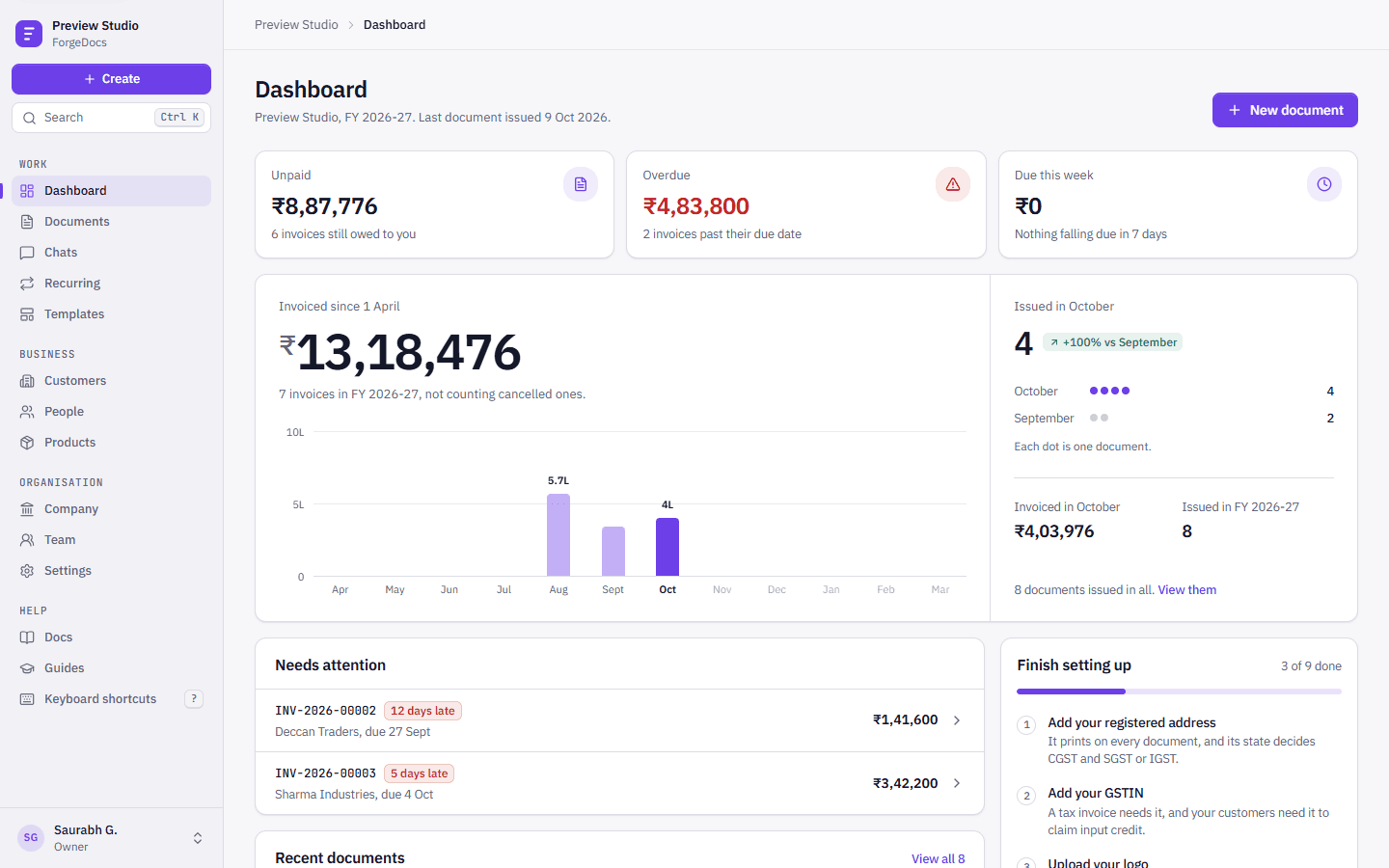
Until everything is in place, the dashboard shows a Set up your workspace checklist. Each item links to the page that fixes it: your company details (with GSTIN and PIN autofill), your logo, the person who signs documents, your first customer and your first document. It checks your real data rather than ticks you set, and you can hide it.
What the checklist looks for
Each item is ticked when the record behind it exists:
- your company address with its state code, and your GSTIN
- your logo, and a signatory with a signature
- bank or UPI details for the payment block on invoices
- at least one customer and one product
- a mail server, so recurring invoices can be emailed
- your first generated document
Create your first document
Choose Create in the sidebar (on a phone, the centre tab), pick a document type and fill in the form. Invoices, proformas and quotations show their totals, with GST worked out, while you type.
When you generate, ForgeDocs gives the document the next number in its own series, renders the PDF with your letterhead, signature and stamp, and files it under Documents. Numbers are handed out by the system, so two documents can never share one.
If your workspace has the assistant switched on, you can describe the document instead: “Invoice Kaveri Steel Works for 40 hours of design at ₹2,500 an hour”. It finds the customer, asks if anything is unclear and shows you the draft before anything is issued.